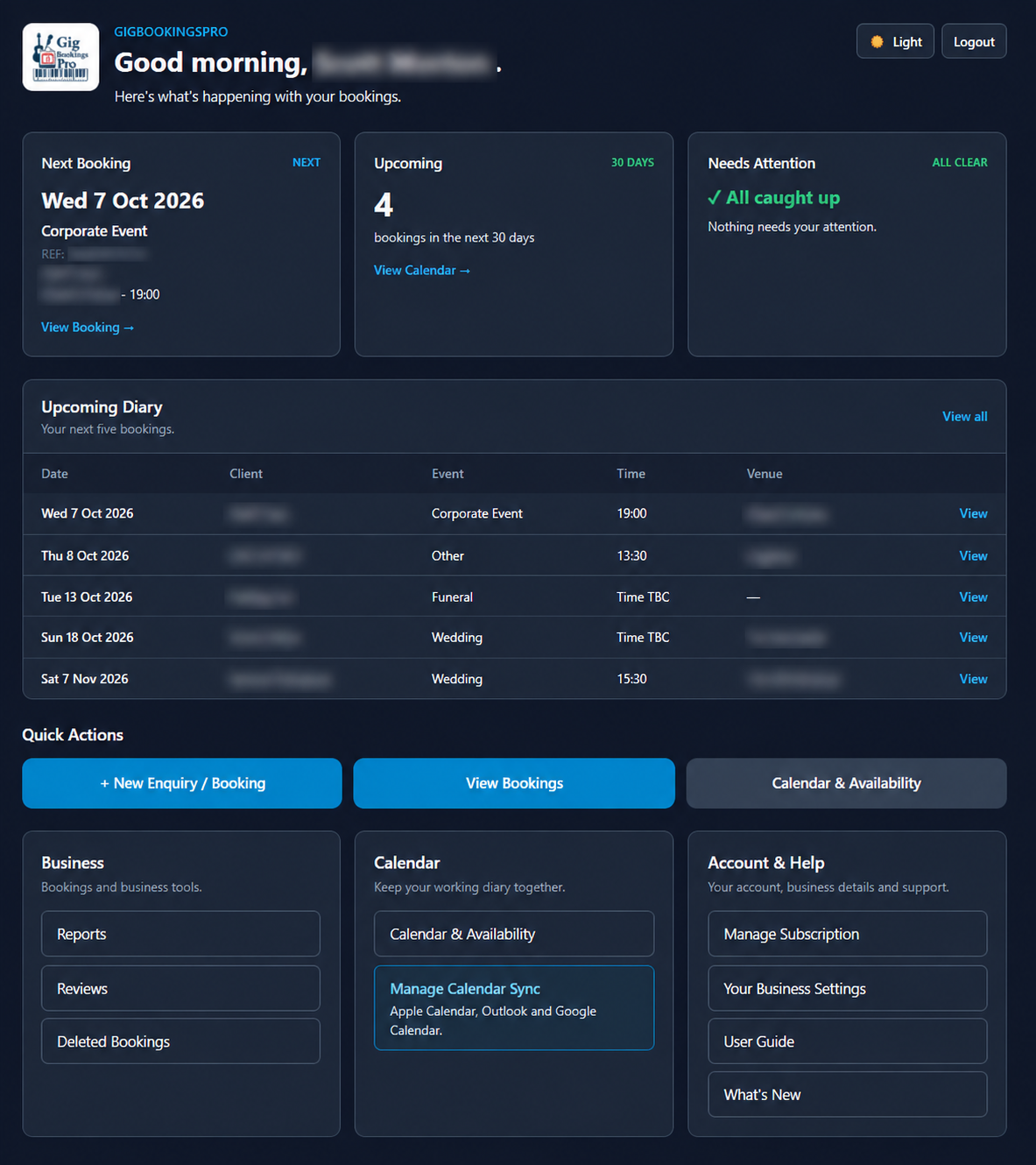
Your dashboard
See your next gig, upcoming bookings and items needing attention at a glance.
Built by a working musician • for gigging performers
GigBookingsPro keeps your enquiries, bookings, confirmations, invoices, receipts and gig-day details together, with calendar sync for your diary across devices.
No card required. Cancel any time.
Most performers do not have one admin system. They have several separate places where important booking details can get lost.
Enquiries, changes and confirmations scattered across threads.
Manual confirmations, invoices and terms copied each time.
Bookings, payments and notes tracked separately.
Dates stored somewhere else, risking mistakes and clashes.
Deposits and balances checked manually.
Imagine this instead...
GigBookingsPro is a secure, browser-based booking management system designed around the real workflow of performers – from the initial enquiry through to gig day. There is nothing to install; simply sign in from your desktop, laptop, tablet or smartphone.
🔍 Click any screenshot to enlarge. Click outside the image or press Esc to close.
See your next gig, upcoming bookings and items needing attention at a glance.
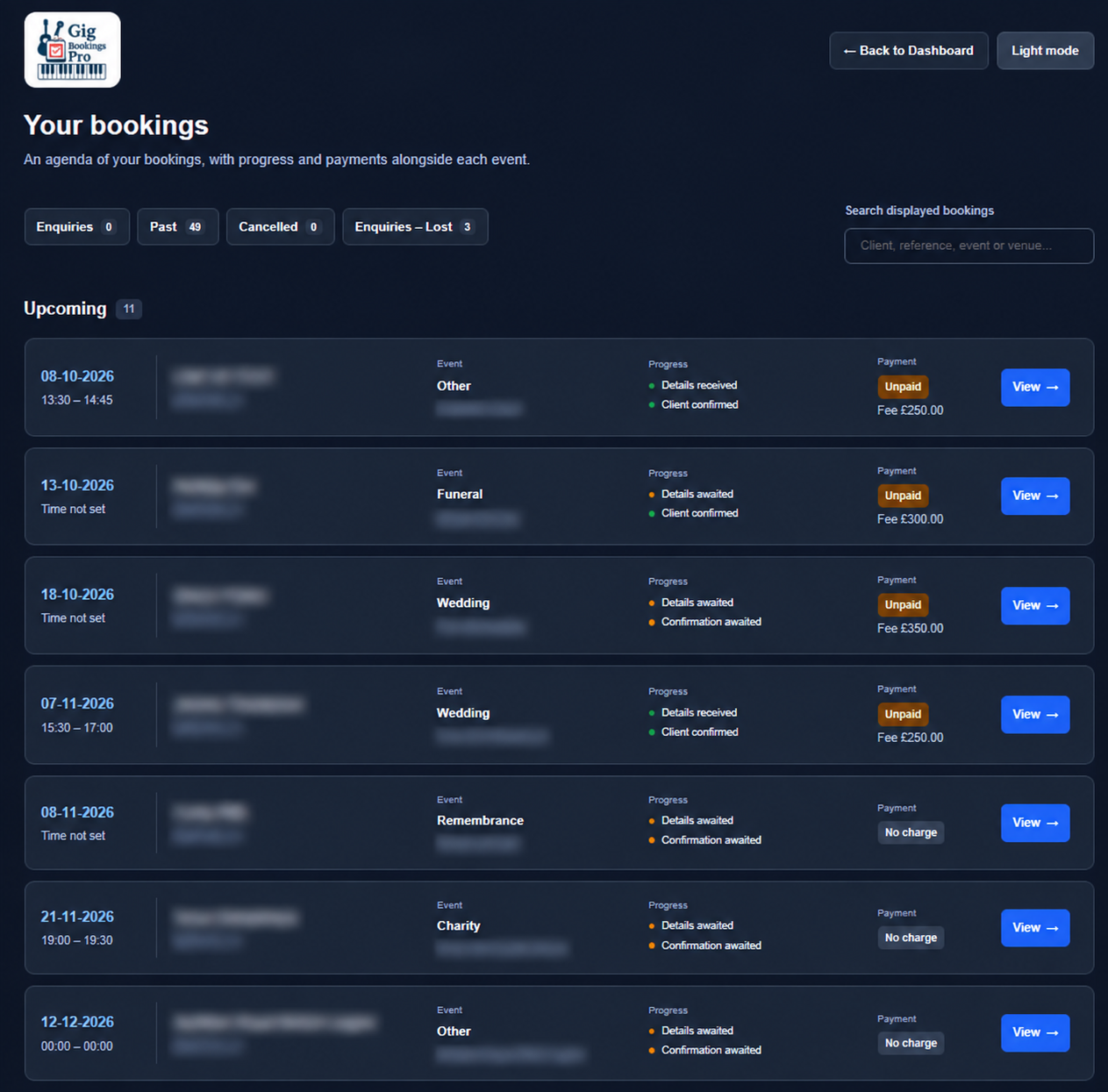
Search your bookings and check event details, booking progress and payment status in one clear list.
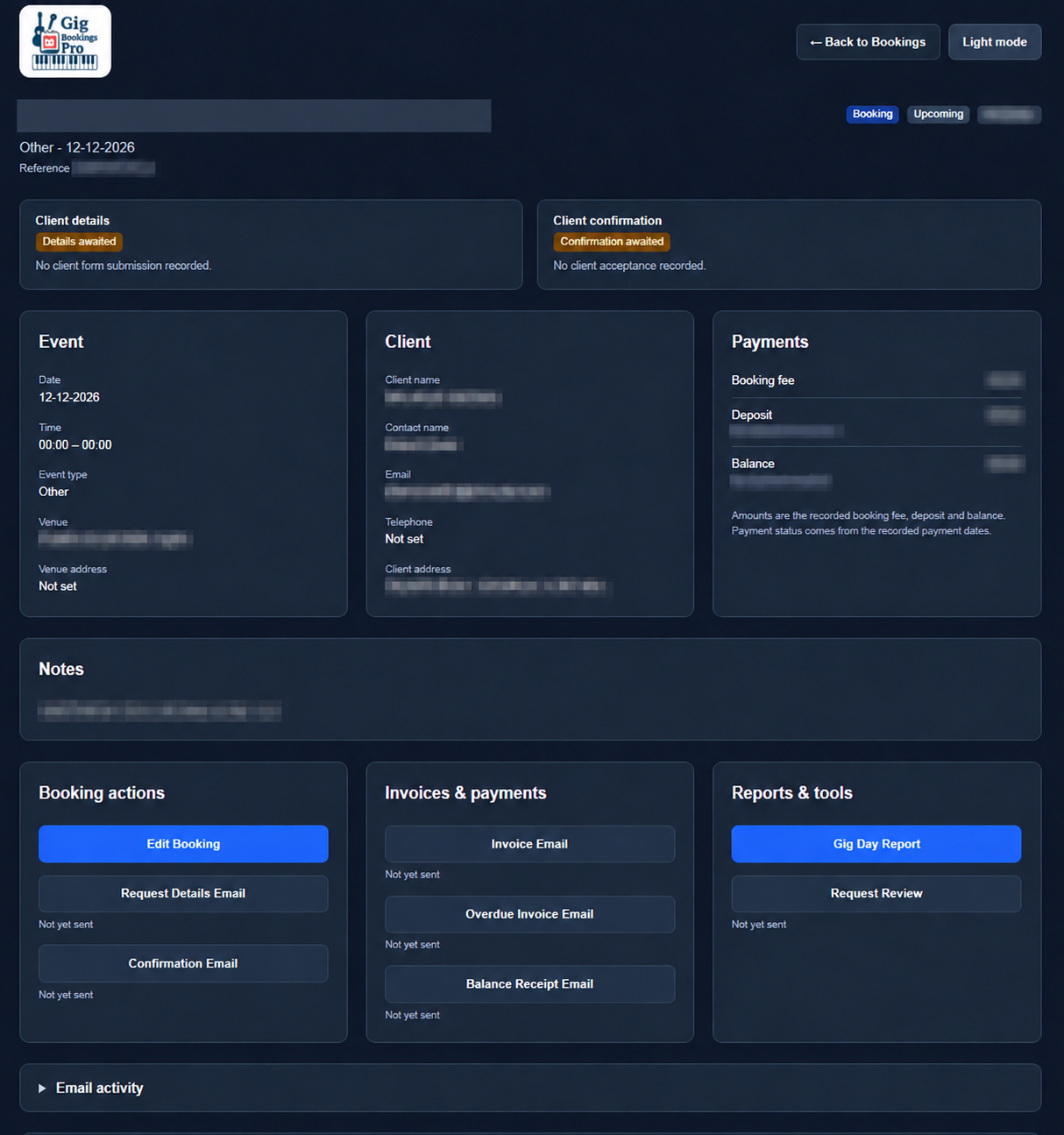
Clear sections for event details, client information, payments and notes, with emails, invoices and reports close at hand.
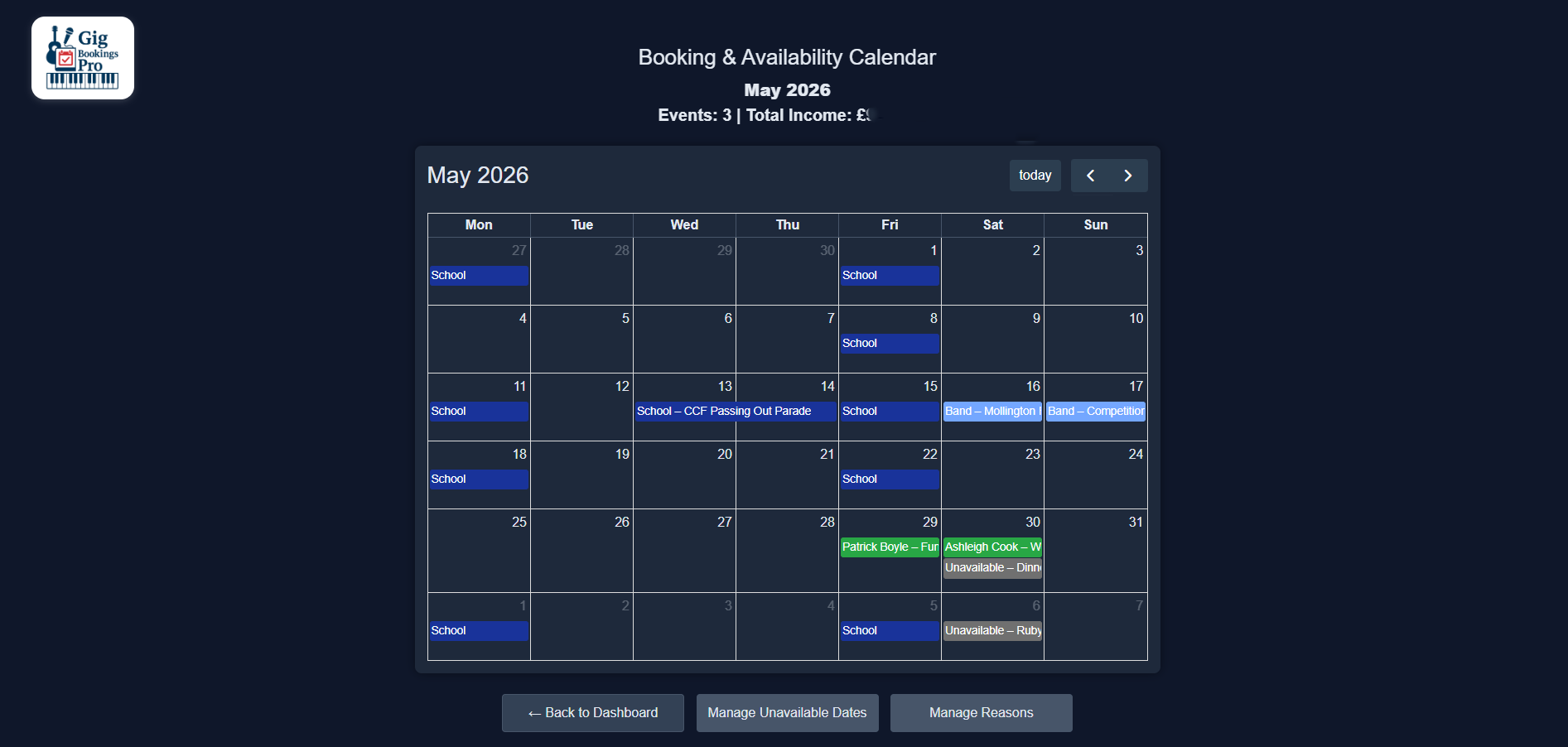
See confirmed bookings and unavailable dates clearly by month.
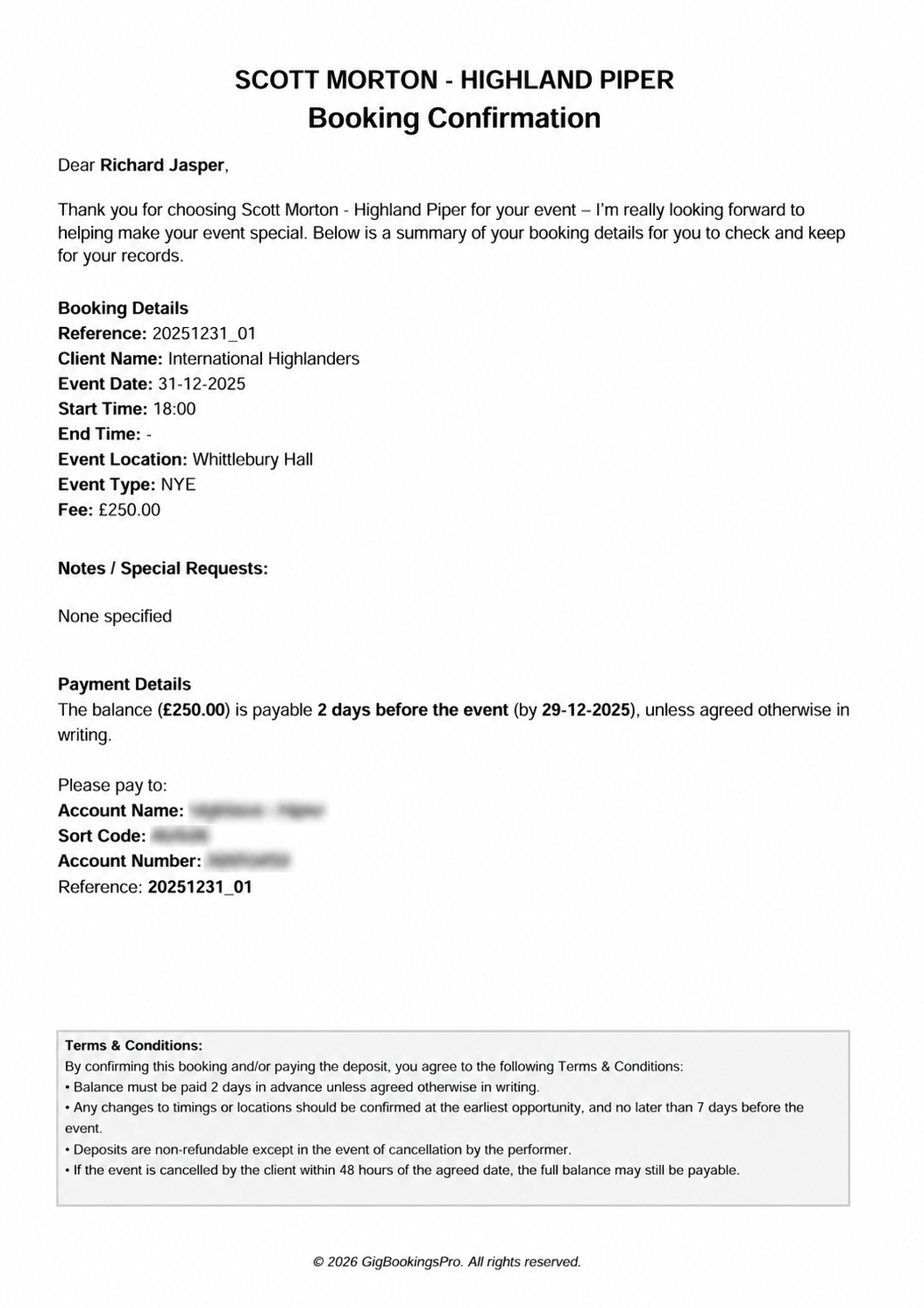
Send professional confirmation emails with branded PDFs attached.
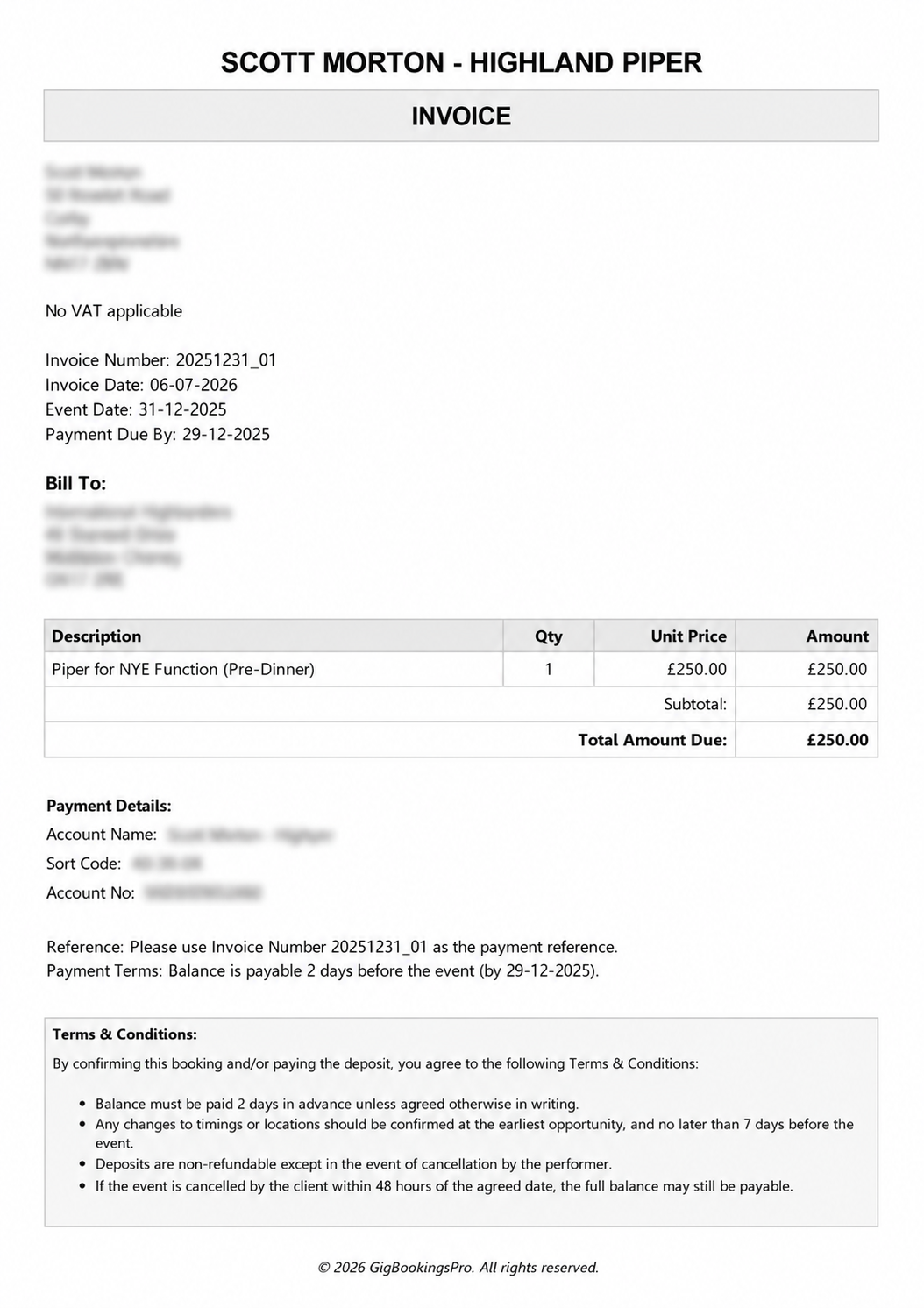
Raise invoices, send receipts and keep payment status visible.
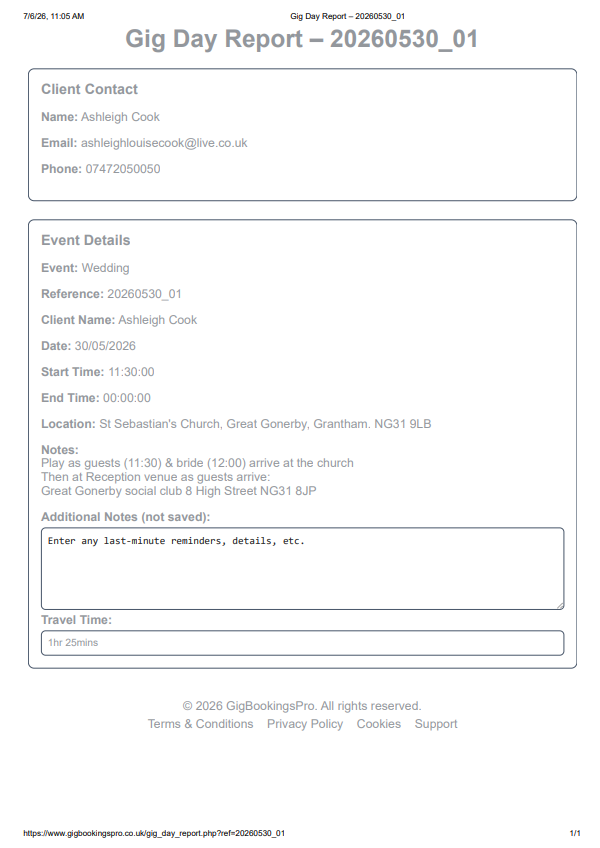
Print the essential details before leaving for the performance.
YOUR GIG DIARY, WHEREVER YOU ARE
Connect GigBookingsPro to Apple Calendar, Google Calendar or Outlook using your private subscription link. See your gigs alongside your other appointments on the devices connected to that calendar.
Make changes in GigBookingsPro. Your calendar subscription updates when your calendar app refreshes; refresh timing varies between services. The User Guide includes connection instructions.

GigBookingsPro was built from real-world performance admin: enquiries, confirmations, deposits, invoices, receipts, client changes and gig-day notes.
It is designed for performers who want to look professional, stay organised and avoid wasting time hunting through emails, documents and spreadsheets.
Designed around actual gig admin.
No bloated CRM features you do not need.
One system, straightforward plans.
GigBookingsPro gives solo performers all the essential tools to manage bookings professionally, without unnecessary complexity.
Once the booking details are complete, everything else is just the touch of a button – confirmations, invoices, payment reminders, receipts, review requests and gig reports can all be generated in seconds.
Keep all your client, venue, timing, fee and event information together in one secure place.
Generate branded booking confirmations, invoices and receipts with a single click.
Send clients a secure link to confirm or update their booking details online.
Send professionally worded overdue invoice reminders that maintain a positive client relationship.
Email deposit and final payment receipts instantly at the press of a button.
Invite clients to leave a review using a secure online form with just one click.
Keep track of bookings and unavailable dates with an easy-to-read calendar.
Subscribe in Apple Calendar, Google Calendar or Outlook to see your gig diary across your devices.
See your next gig and upcoming diary, plus outstanding balances, client details and confirmations needing attention.
Choose the theme that suits you, with booking screens designed for phones, tablets and computers.
Print a concise report containing timings, addresses, notes and travel information before you leave.
Clear step-by-step instructions for booking management, payments and connecting your calendar.
Start with a 14-day free trial. No card required.
It is designed for solo performers, working musicians, small groups, teachers and event performers who need to manage bookings professionally.
No. If you can fill in a form and send an email, you can use GigBookingsPro.
No. The 14-day free trial does not require card details.
Yes. There are no long contracts.
Yes. Subscribe using your private calendar link in Apple Calendar, Google Calendar or Outlook. Your bookings appear in a separate subscribed calendar. Edit bookings in GigBookingsPro; your calendar app fetches the updates on its own refresh schedule.
No. Subscription payments are handled securely through Stripe. GigBookingsPro does not store card details.
Start a free 14-day trial and see how much easier your admin can be.